AI gif hub

AI GIF Generator

Create animated GIFs from text prompts or still images with AI. Describe the motion, choose a style, model and aspect ratio, then generate, preview and download.

  • Text to GIF
  • Image to GIF
  • Preview & download
Style
This GIF: 22 credits

Explore these animated GIF examples, then create your own.

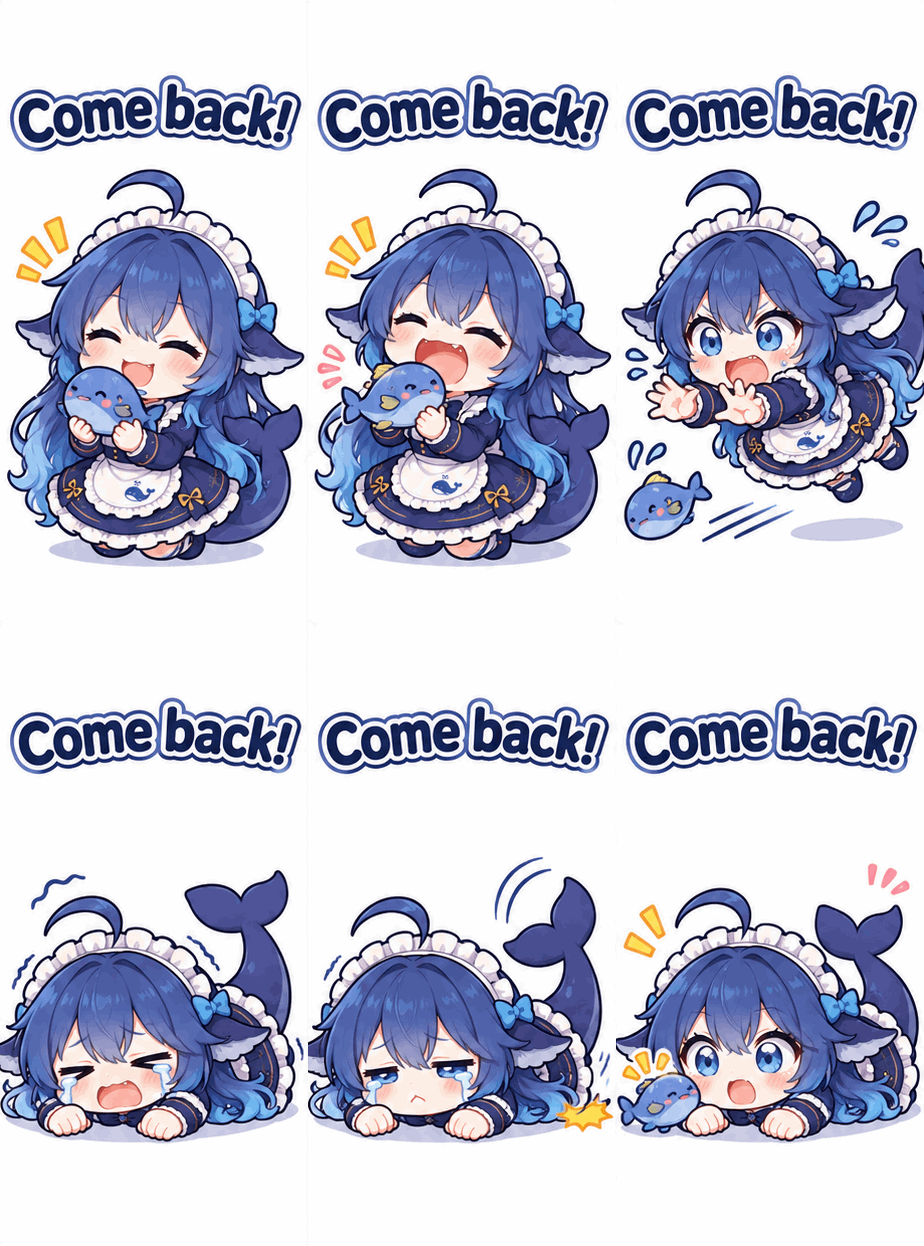
A blue-haired chibi girl with a whale tail holding a small blue character.
Come back!
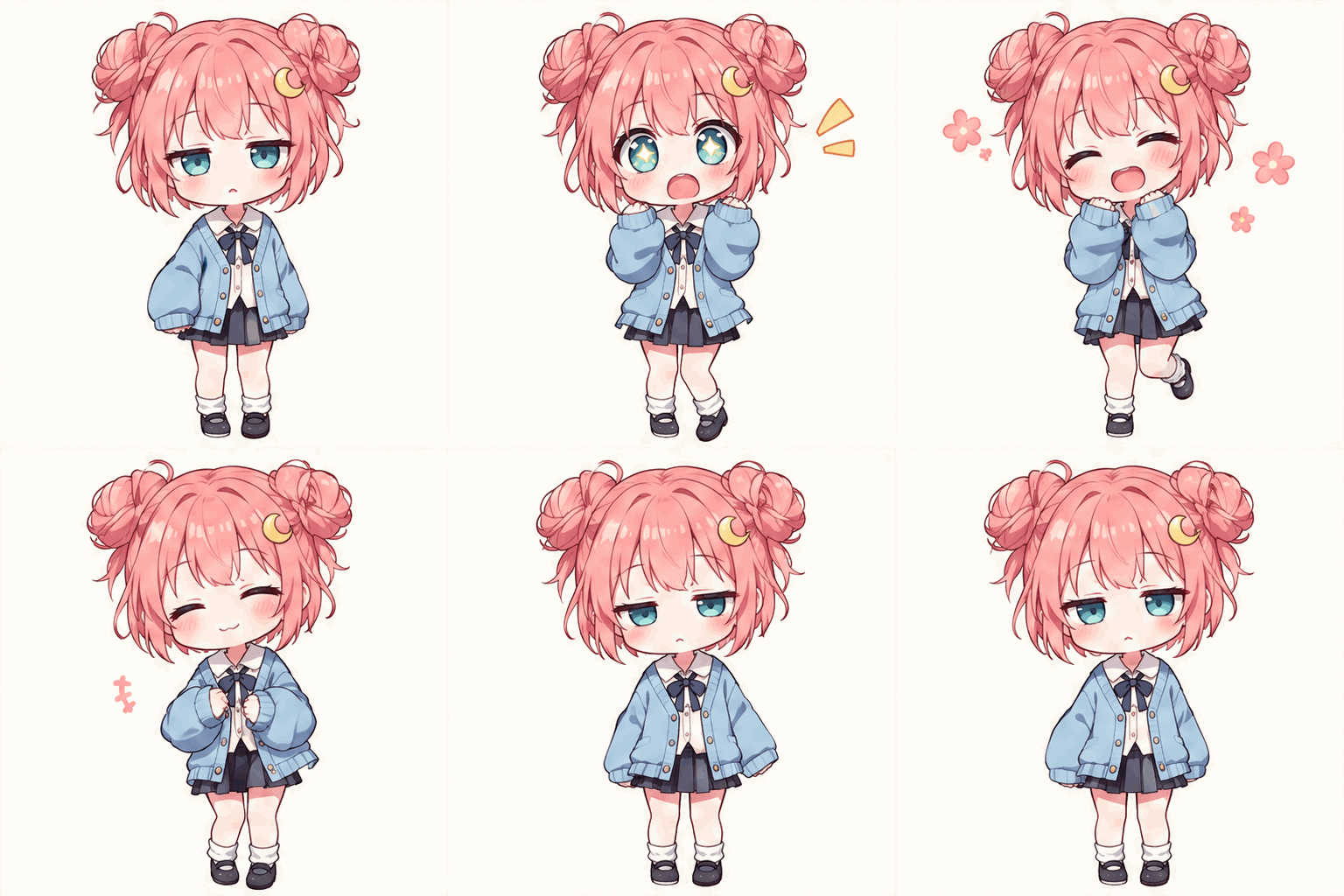
A pink-haired chibi girl reacting with surprise and laughter.
A little surprise

Failed generations return the credits used.

Reaction GIFs for the Group Chat

Side eye, popcorn, and a very dramatic meltdown. Explore text-to-GIF ideas or animate a source image—then borrow a prompt and make the reaction your own.

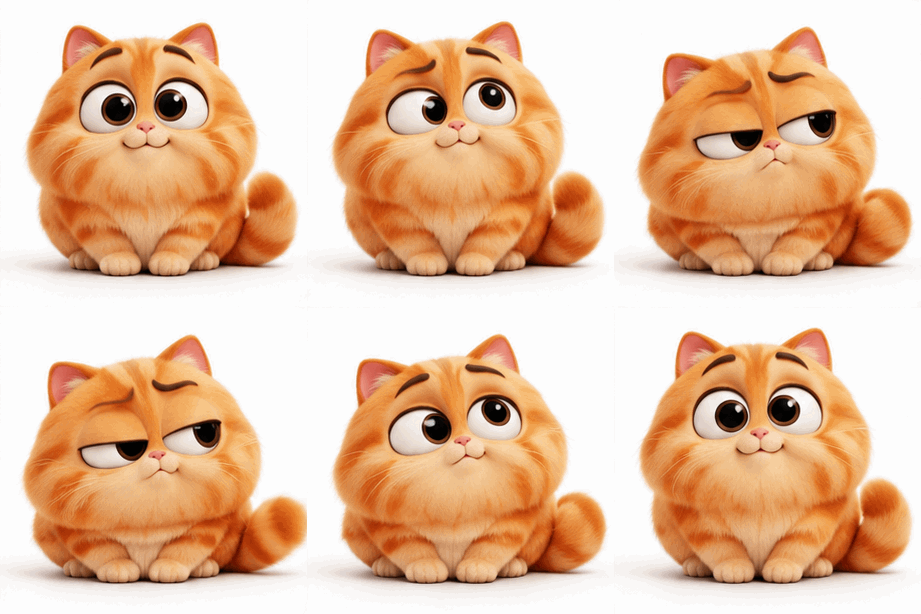
A fluffy orange cat changes from wide-eyed innocence to an exaggerated judgmental side-eye.
Suspicious much? · Text to GIF

Side eye

When the group chat story is not adding up.

Actual output
Requested ratio
1:1
Actual output
307 × 307
File size
541.3 KB
Style
3D cartoon (prompt)
GIF · 16 frames · 2.56s
Prompt

A fluffy round orange cartoon cat, big head, tiny body, large expressive eyes, consistent face and proportions throughout. Core joke: an innocent adorable face suddenly becomes spectacularly judgmental. Begin upright with huge sweet round eyes and a small smile. Brief anticipation pause. Then snap the head a little sideways, squash the round body downward slightly, sharply lower both eyelids and raise one eyebrow into an exaggerated deeply unimpressed side-eye. Hold that ridiculous judgmental face for a readable comic beat. The tail freezes stiff, then gives one annoyed flick. Release with a small springy rebound and return to the exact innocent starting pose. Make the contrast obvious at chat-thumbnail size. One clear gag, exaggerated expression and mild squash and stretch. Fur, ears and tail naturally follow the main action; stable anatomy, no flickering. Square 1:1, plain white background, fixed camera, centered full character with safe margins. About 2–3 seconds, naturally seamless infinite loop. No text, captions, letters, symbols, logos or watermark.
Download GIF
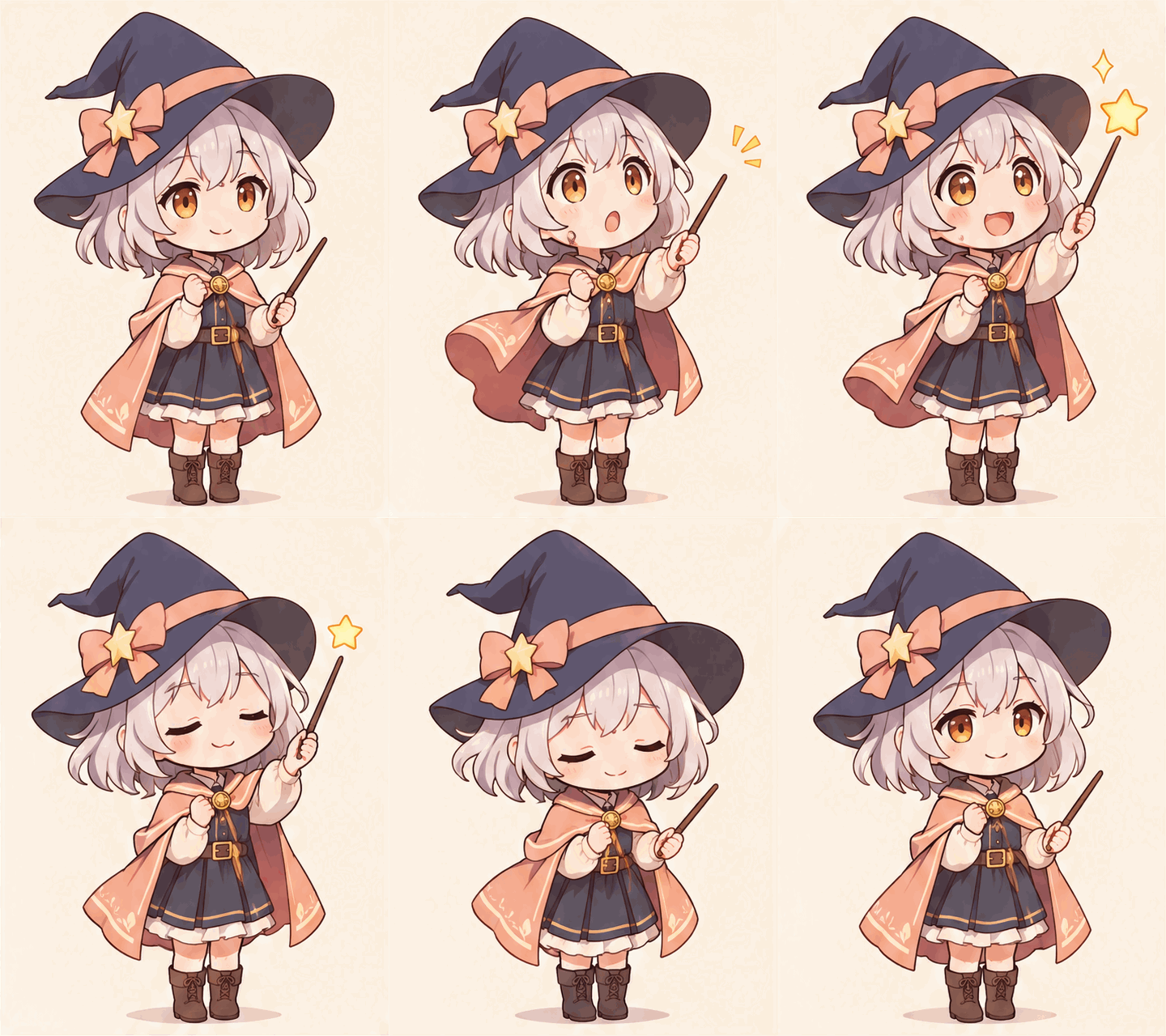
A silver-haired chibi witch raises her wand, makes a star appear, and bows.
A star and a surprise · Text to GIF · GPT Image 2.6 Sunburst

A little magic

A tiny spell turns into a big moment of surprise.

Actual output
Requested ratio
3:4
Actual output
480 × 640
File size
1.49 MB
Style
Pastel anime
GIF · 16 frames · 2.56s
Prompt

Original kawaii chibi apprentice witch with a navy pointed hat, short silver hair, amber eyes and a peach cape, holding a small wooden wand. A tiny star pops from the wand, she startles with huge round eyes, then smiles proudly and bows before returning to her opening pose. One readable magical surprise, stable character and exactly two arms and two legs, pastel anime cel shading, warm ivory background. Portrait 3:4 composition, full body centered with generous margins above the hat, fixed camera, seamless 2.56 second animated loop. No words, logo or watermark.

Download GIF
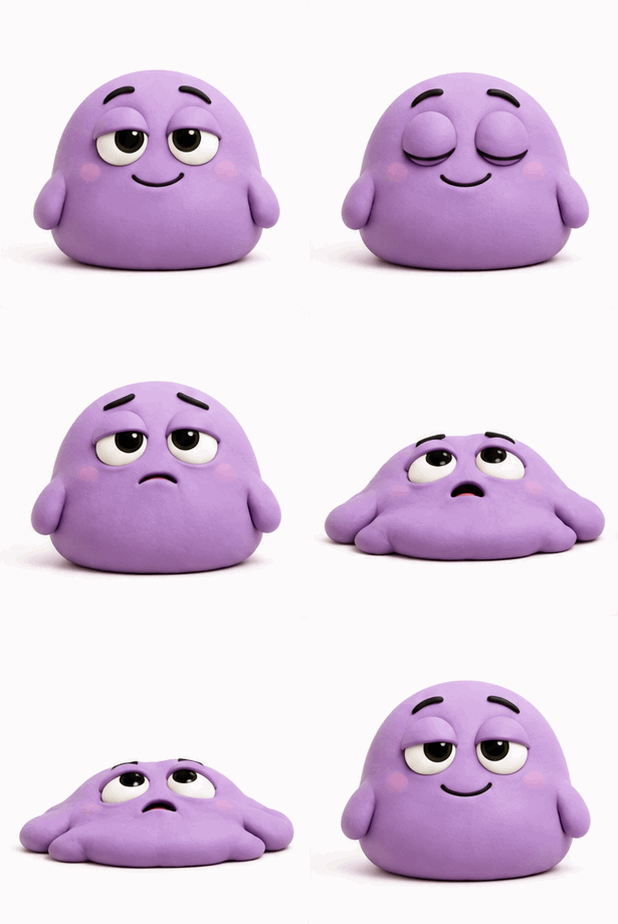
A tired purple clay blob deflates into a puddle and springs upright again.
Zero energy left · Text to GIF

Absolutely done

When one tiny inconvenience finishes you off.

Actual output
Requested ratio
1:1
Actual output
309 × 308
File size
274.7 KB
Style
Clay cartoon (prompt)
GIF · 16 frames · 2.88s
Prompt

An original small lavender clay blob with tiny arms and a simple expressive face sits upright with a tired polite smile. It blinks slowly, its smile drops, and its entire body dramatically deflates into a flat soft puddle, leaving only two exhausted eyes looking up. Hold the defeated puddle for a comic beat, then gently inflate back to the starting pose. One clear melting gag, exaggerated squash and stretch, soft clay texture, consistent character and color. Square 1:1, plain white background, centered full body with safe margins, fixed camera, approximately 2–3 seconds, seamless infinite loop. No text, letters, captions, logos or watermark.
Download GIF
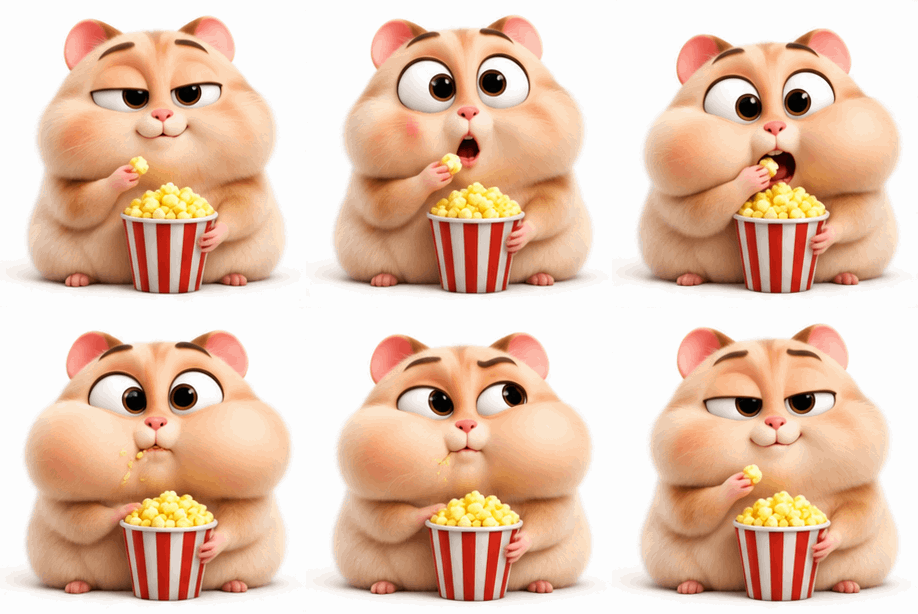
A hamster suddenly stuffs popcorn into its mouth and puffs out its cheeks while watching drama.
Just watching · Text to GIF

Here for the drama

When you have nothing to add, but need every detail.

Actual output
Requested ratio
1:1
Actual output
306 × 307
File size
504.2 KB
Style
3D cartoon (prompt)
GIF · 16 frames · 2.56s
Prompt

An original adorable chubby cream hamster with a big head, tiny body and expressive eyes holds one red-and-white striped popcorn bucket with no lettering. Core joke: pretending to be a casual spectator, then getting absurdly invested in the drama. Begin sitting upright, trying to look calm, holding a single piece of popcorn near its mouth. A tiny comic pause. Suddenly the eyes pop wide, the hamster leans forward and rapidly stuffs a small handful of popcorn into its mouth with one paw. Both cheeks comically puff out; freeze in that ridiculously overinvested pose for a beat. Use a tiny downward squash on the eager lean and a soft upward rebound as it settles back to its starting pose. The other paw holds the bucket steadily; popcorn stays in the bucket except the pieces being eaten. Keep the same face, fur, bucket, paw count and body proportions across all frames. One focused gag, strong expression contrast, clean simple motion, soft 3D cartoon style. Square 1:1, plain white background, fixed camera, centered full subject with safe margins. About 2–3 seconds, natural infinite loop. No text, letters, subtitles, logos or watermark.
Download GIF
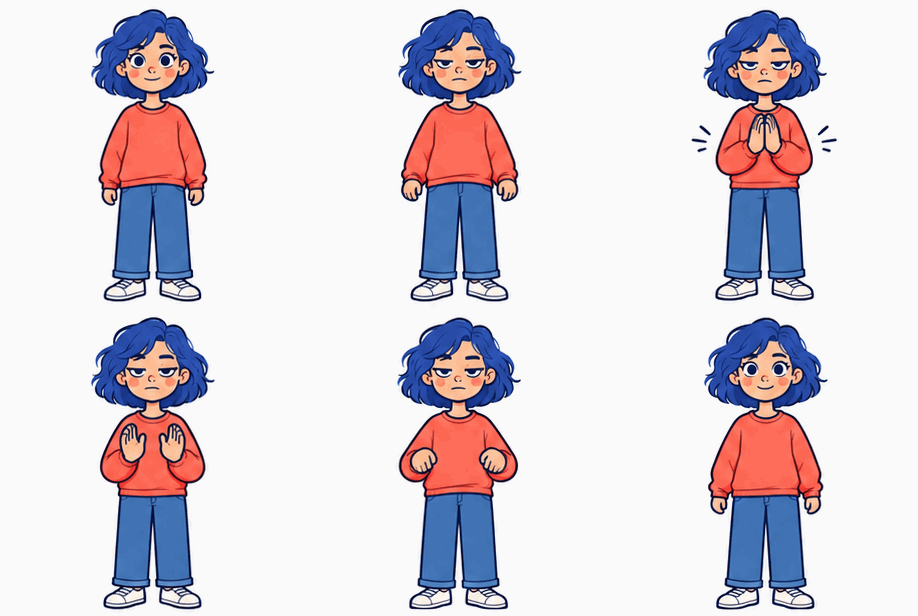
A woman with blue hair and a coral sweatshirt claps slowly with a deadpan expression.
Sure. Great idea. · Image to GIF

Slow clap.

When the achievement deserves some very sarcastic applause.

Actual output
Requested ratio
1:1
Actual output
306 × 308
File size
290.1 KB
Style
2D illustration (reference)
GIF · 16 frames · 2.88s
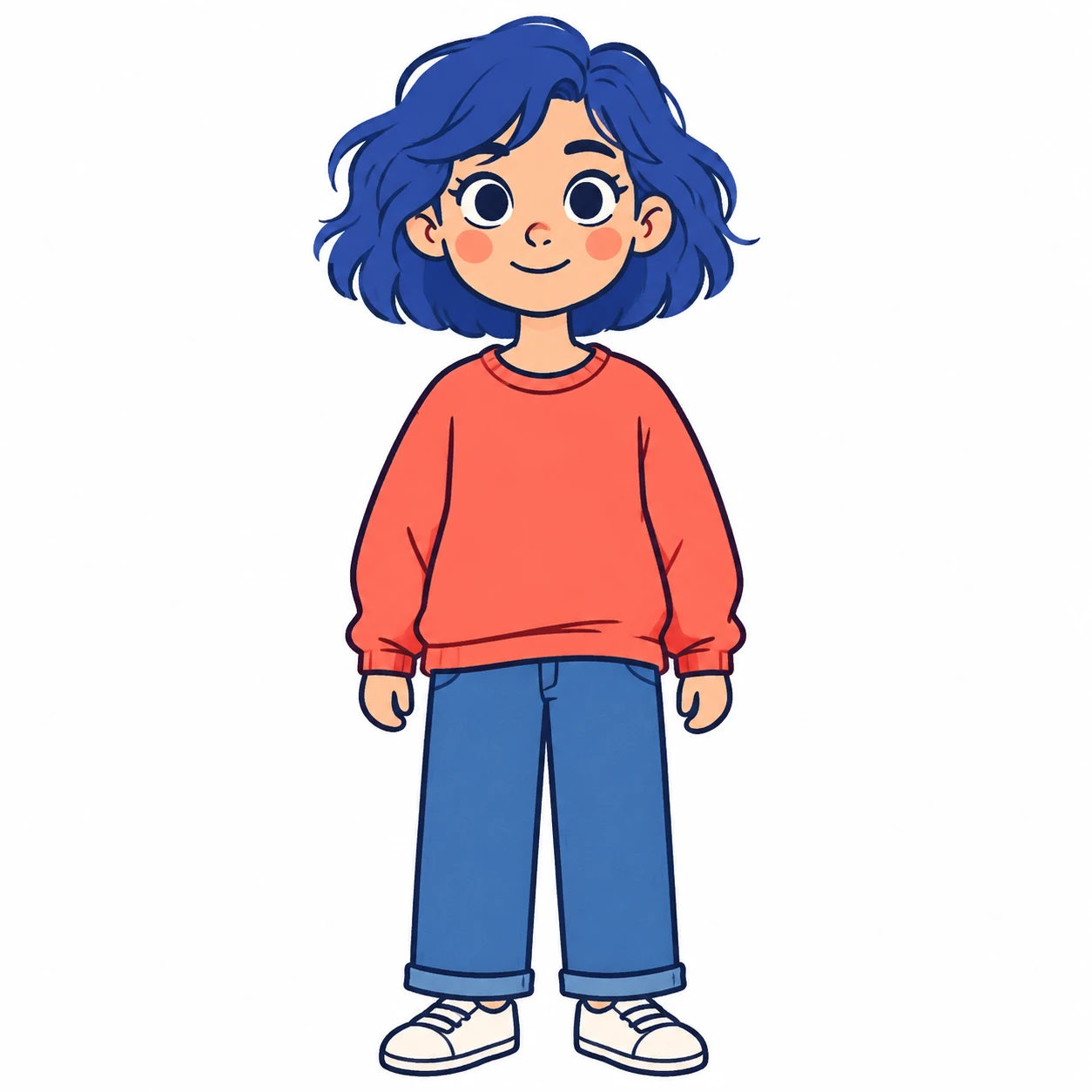
Source image

Download this source image, then upload it in Image to GIF with the prompt below.

Source image: Slow clap.Download source image
Prompt

Use the uploaded illustration as the sole character and style reference. Preserve the woman's short cobalt-blue hair, coral sweatshirt, blue trousers, shoes, expressive eyes, compact proportions, clean dark outlines and flat pastel color style in every frame. Core joke: the most unimpressed applause in the world. Start in the neutral reference pose, pause, then lower the eyelids into a deeply deadpan stare, slowly raise both simplified hands to chest height and clap twice with deliberately slow exaggerated timing. Each clap gives the shoulders a tiny squash and rebound, while the bored face stays unchanged. Hold the sarcastic stare briefly, then lower both hands and return to the exact starting pose. Exactly two arms and two simplified hands, no extra fingers, no props. One clear sarcastic applause gag. Square 1:1, fixed camera, centered subject with generous margins, approximately 2–3 seconds, natural infinite loop. No text, letters, captions, logos or watermark. Pure white background.
Download GIF
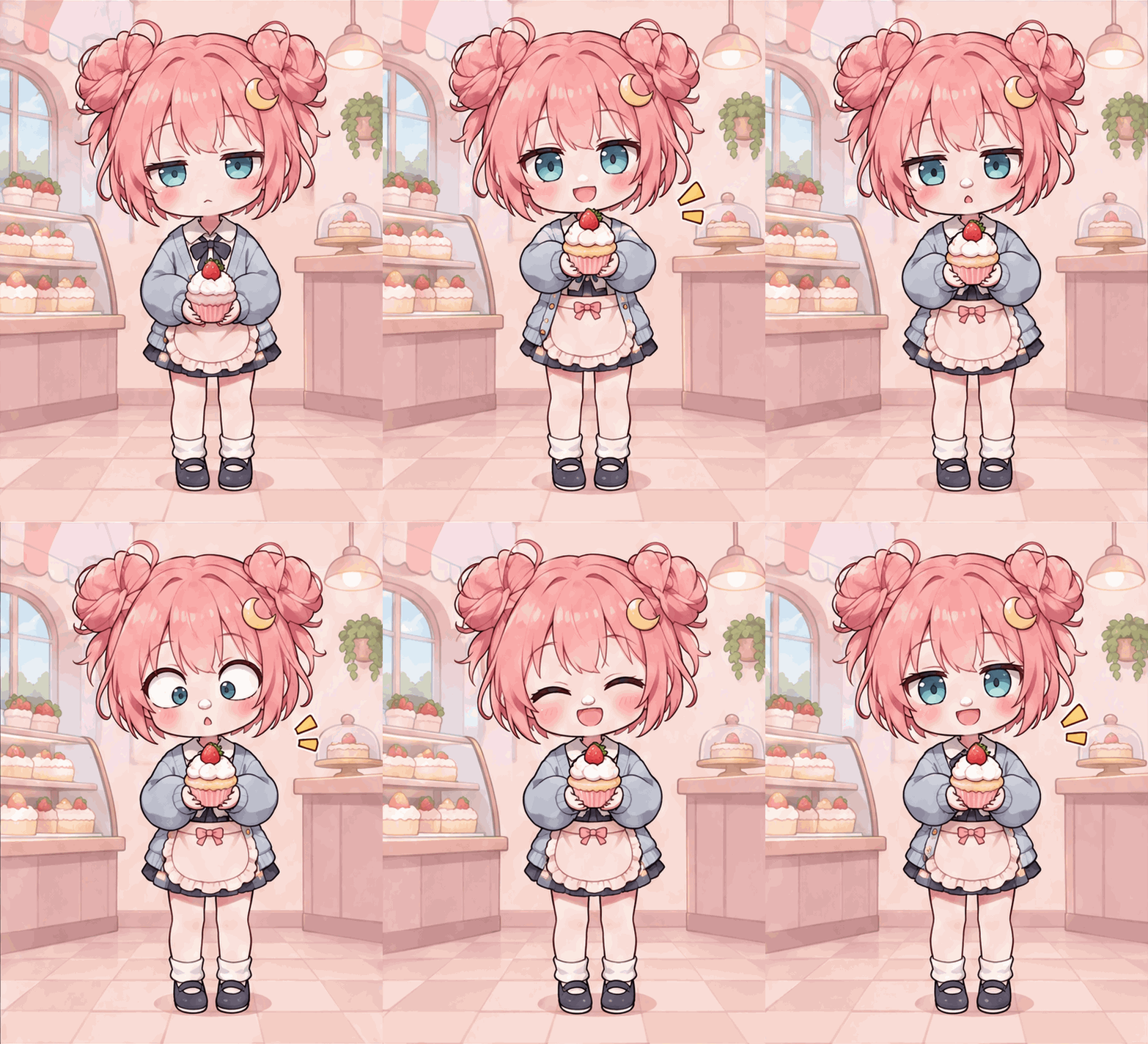
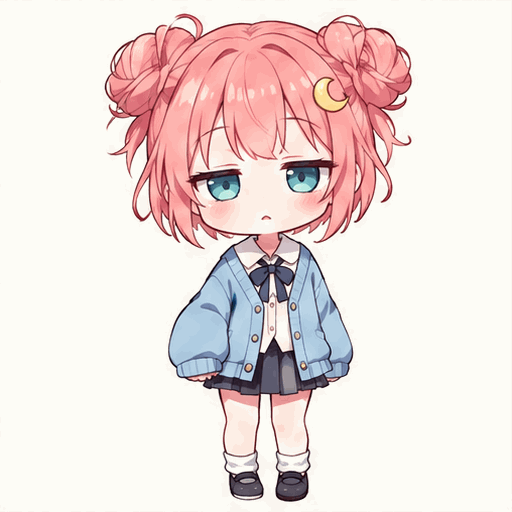
A pink-haired chibi girl presents a cupcake in a pastel bakery, looks surprised, and laughs.
Cupcake time · Image to GIF · GPT Image 2.6 Sunburst

Sweet little surprise

A proud cupcake presentation ends with a playful laugh.

Actual output
Requested ratio
3:4
Actual output
528 × 720
File size
1.93 MB
Style
Pastel anime
GIF · 16 frames · 2.56s
Source image

Download this source image, then upload it in Image to GIF with the prompt below.

Source image: Sweet little surpriseDownload source image
Prompt

Use the uploaded original pink twin-bun chibi girl as the character reference. Preserve teal eyes, crescent hairpin, sky-blue cardigan and clean pastel anime look. Place her in a simple pastel bakery wearing a tiny cream apron. She proudly presents a small strawberry cupcake, notices a dab of cream on her nose, goes cross-eyed in surprise, then laughs with closed happy eyes and returns to presenting the cupcake. Keep hands and cupcake readable and stable, exactly two arms, fixed camera, full body centered in a portrait 3:4 frame with generous margins. Smooth seamless 2.56-second loop, no words, logos or watermark.

Download GIF

Create reaction GIFs with GPT Image 2.6 on AI gif hub. Explore the prompts, then make your own.

How to use the AI GIF maker

Choose text or a photo, generate your animation, then download the GIF.

Choose Text to GIF or Image to GIF

Select Text to GIF to create a scene from words, or Image to GIF to animate an existing photo or illustration. In image mode, click or drop one JPG, PNG, or WebP into the upload area. Use an image you have permission to process; the upload limit is 8 MB.

Choose Text to GIF or Image to GIF

Describe Your GIF and Choose Settings

Describe the subject and motion, then choose a style, Flare or Sunburst, and an aspect ratio. Review the credit cost, confirm permission and click Generate GIF. If asked to sign in, complete login and click Generate GIF again to submit.

Describe Your GIF and Choose Settings

Preview and download your GIF

Your completed GIF appears in History and plays automatically. Watch the motion and loop transition, then click Download GIF to save it. Select Edit prompt to revise your idea, or Generate again to submit the current prompt and settings. Each new generation uses credits.

Preview and download your GIF

Create GIFs Your Way

Start with words to create a new scene, or upload a photo to animate what is already there.

Text to GIF — Create Animations from Words

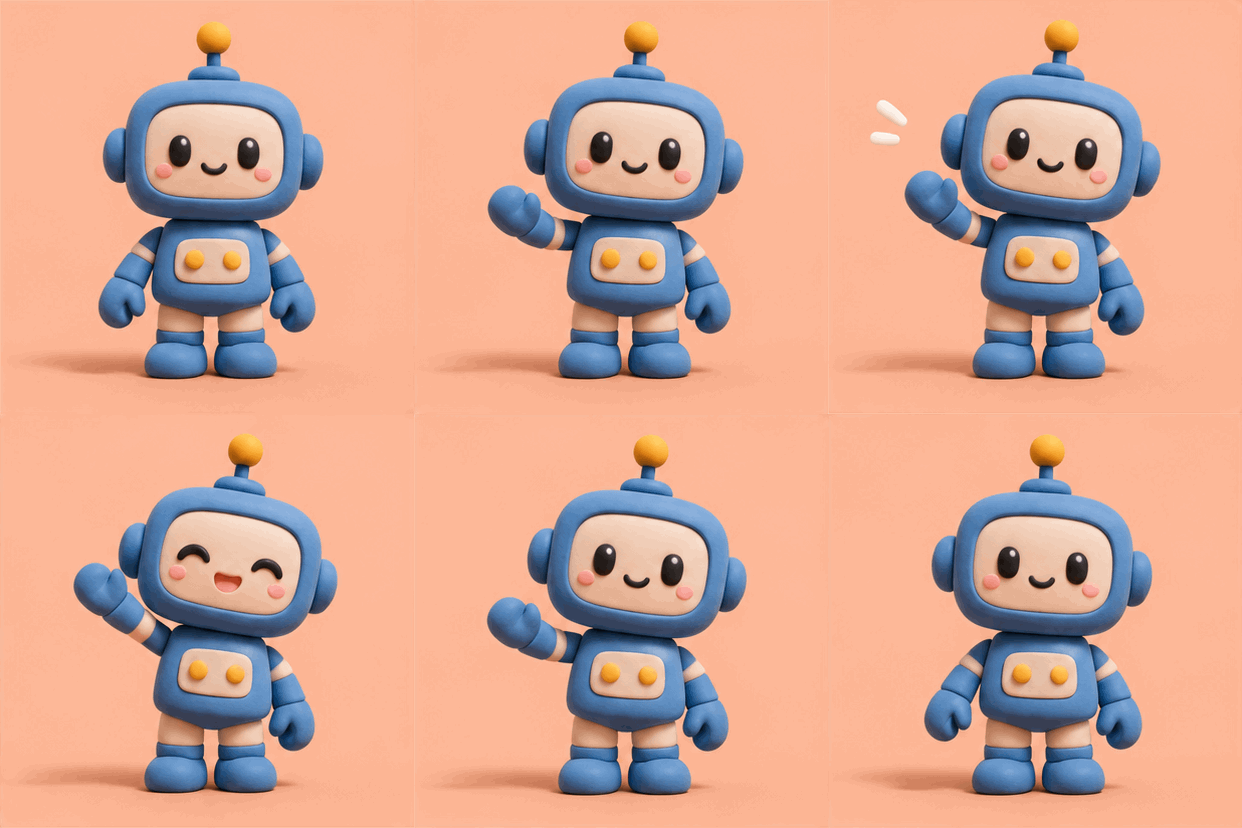
Create animated GIFs from text without a source image. Describe a subject, one main action, and a visual style—for example, a clay robot waving against a plain background. This mode suits original characters, animals, reaction GIFs, and pixel-art ideas. Use a fixed-camera prompt when you want a stable composition, and review the motion before downloading.

A clay robot waving hello
A clay robot waving hello · 414 × 414
Prompt

A small blue clay robot waving hello with one hand, gentle natural movement, fixed camera, simple peach background, short repeating animation.

Explore Text to GIF

Image to GIF — Animate Your Photos with AI

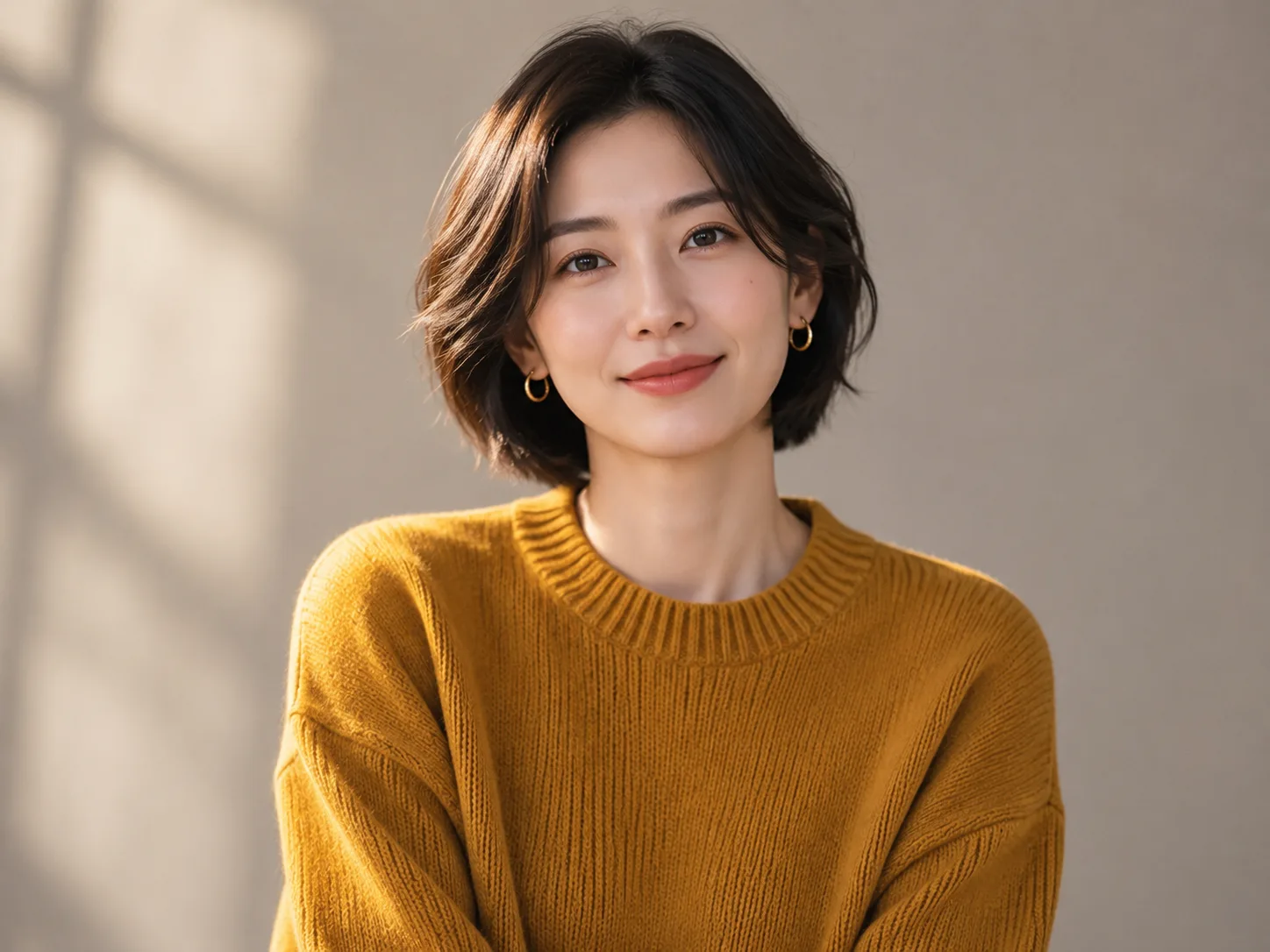
Turn a photo into a GIF by uploading one JPG, PNG, or WebP up to 8 MB. Describe which part should move and which parts should stay still. Use it for portraits, pets, products, landscapes, or illustrations you have permission to process. AI can alter faces, labels, and geometry, so compare the animation with your source before sharing.

Source imageA portrait blinking, smiling, and waving
Source image → GIF · A portrait blinking, smiling, and waving · 358 × 356
Prompt

The adult woman in the reference photo blinks softly, turns her head slightly toward the camera, smiles warmly and raises one hand for a short friendly wave, then settles back to her original pose, preserve her hairstyle and mustard sweater, fixed camera, unchanged studio background, natural subtle movement, short repeating animation.

Explore Image to GIF

AI GIF Settings: Style, Model and Aspect Ratio

Choose your animation style, Flare or Sunburst, and an aspect ratio. Text to GIF costs 22 credits; Image to GIF costs 24.

Animation styles

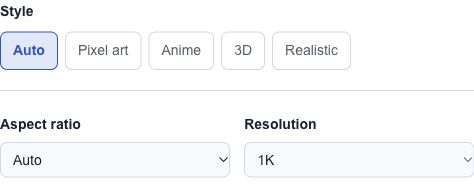
Auto follows your prompt and reference. Pixel art suits retro characters; Anime suits drawn characters; 3D suits dimensional objects; Realistic requests natural textures. Clay and illustration looks can be described in the prompt. Style presets guide the model rather than applying a deterministic filter.

GIF aspect ratio

1:1 fits square reactions, 16:9 fits landscape website placements, 9:16 fits portrait layouts, and 4:3 fits traditional images and illustrations. Auto lets the model choose. Other common ratios are available in the editor. Match the destination’s layout before generating to reduce cropping.

Flare or Sunburst

Choose either model in the editor. Both support Text to GIF and Image to GIF at the same credit cost. Resolution, frame count and timing are set automatically.

Why does GIF file size matter?

Dimensions, frame count, colors and image detail affect file size. Frames and timing are set automatically. Resize or compress the downloaded GIF if your destination has an upload limit.

What Can You Create with an AI GIF Generator?

Choose a concrete task, adapt the prompt, and start in the matching mode. These are creation ideas, not guarantees of a particular result.

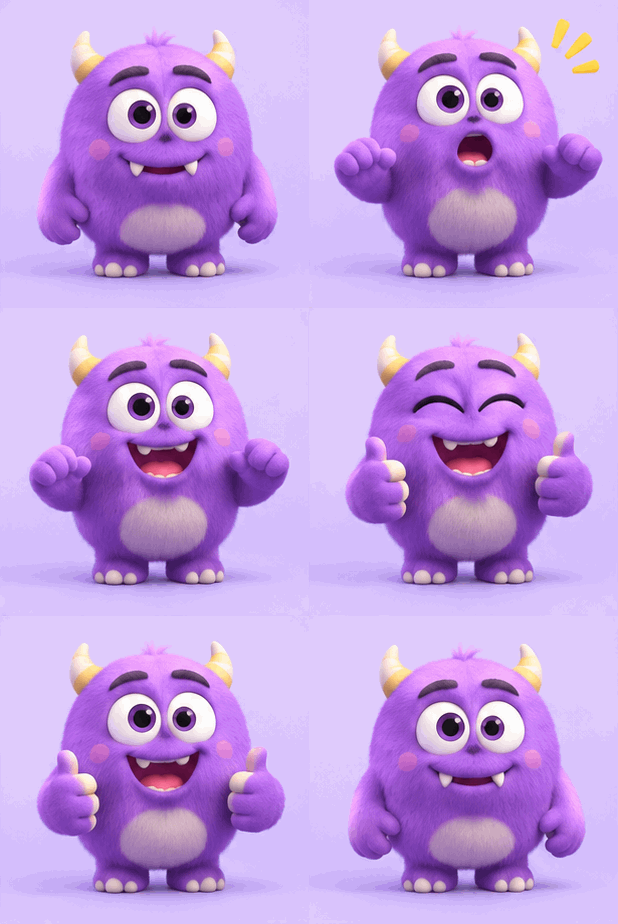
A surprised monster grinning and giving a thumbs-up

Reaction GIFs

Create a readable expression for chats: surprise, a smile, or a quick nod. Keep the face large and the background simple so the reaction remains clear at a small size.

Prompt

A friendly cartoon robot raises its eyebrows in surprise, fixed camera, plain blue background, short repeating animation.

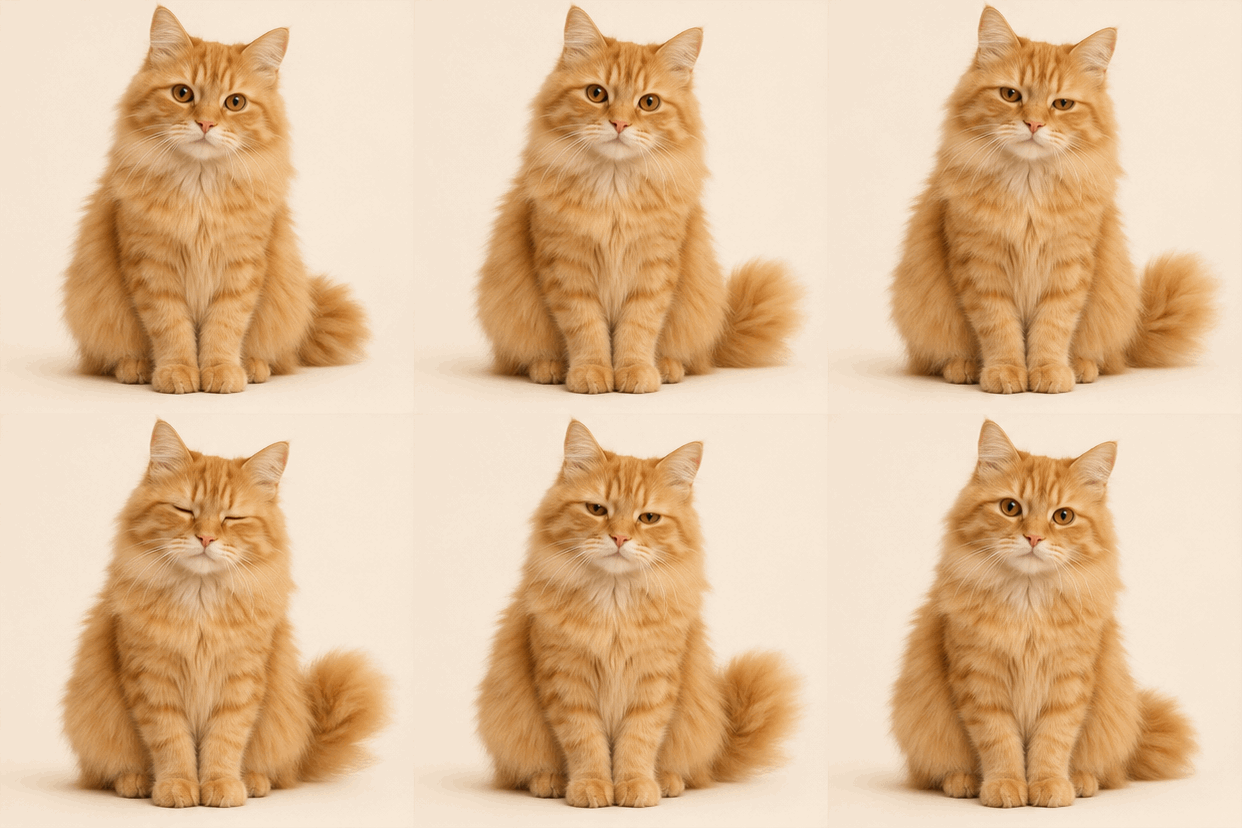
An orange cat blinking and swishing its tail

Animal & pet GIFs

Animate a pet photo with a small movement such as blinking or a wagging tail. Keep the animal recognizable by asking for a fixed camera and minimal movement. Review eyes and fur detail before posting.

Prompt

The dog gently wags its tail; keep its face, body, and camera still.

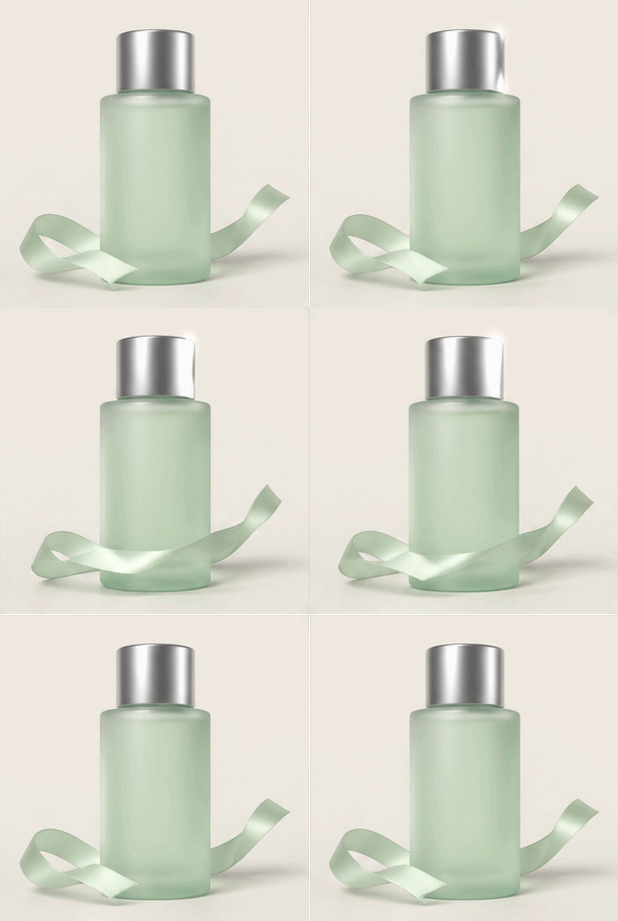
A skincare bottle turning with a curling ribbon

Product GIFs

Turn a product photo into a short visual for a listing or launch announcement. Ask for one gentle movement and inspect packaging, labels, and shape against the original; generation can change them.

Prompt

The skincare bottle gently turns a few degrees, clean studio background, fixed camera, stable label and shape.

Confetti and ribbons bouncing into a portrait layout

Social media GIFs

Add movement to a post or announcement. Choose the ratio for the placement and keep important content away from crop edges. Check whether your destination accepts GIF files or requires conversion to video.

Prompt

Colorful abstract shapes gently float around an empty center, bright editorial illustration, fixed camera, repeating motion.

A geometric pinwheel unfolding and spinning

Logo & brand animations

Animate a graphic you own for a presentation or website. Favor simple geometric motion and check the result carefully: generated lettering and brand marks can distort. Use a motion editor when exact vectors must stay intact.

Prompt

The geometric symbol gently scales up and returns to its original size, fixed camera, plain background, no added text.

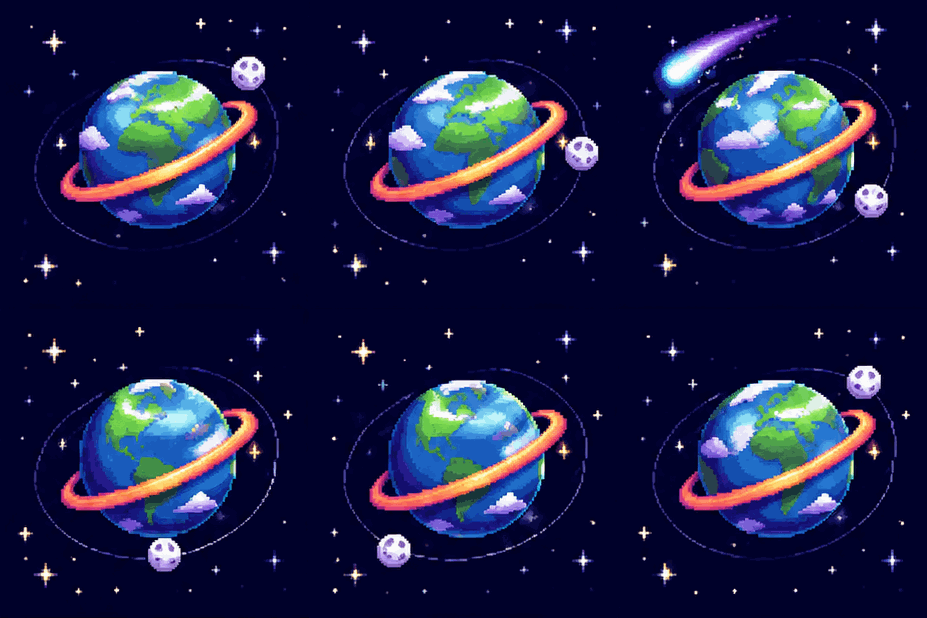
A spinning planet, orbiting moon, and shooting star

Game & pixel art GIFs

Try retro characters, idle animations, or playful game-inspired visuals. Select Pixel art and describe one repeatable action. Inspect every frame before using it as an asset; this tool does not export game-ready sprite sheets.

Prompt

A tiny pixel-art astronaut gently bobs in place, deep navy background, crisp square pixels, fixed camera, seamless loop requested.

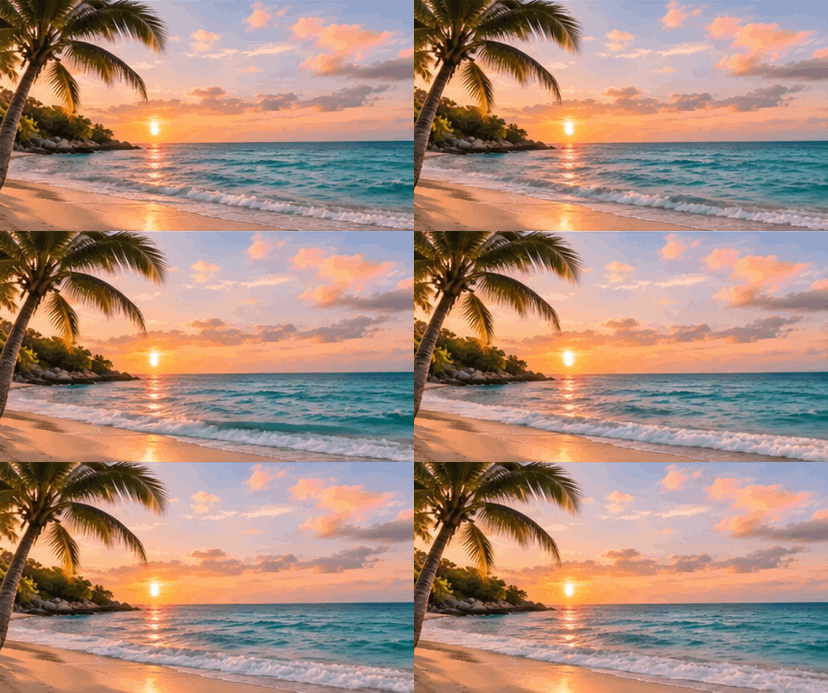
Coastal waves, drifting clouds, and swaying palms

Photo & nature animations

Bring gentle movement to a landscape: waves, clouds, or leaves. Start from your own photo, specify which element should move, and hold the camera still. Compare the horizon and fine structures after generation.

Prompt

Only the ocean waves move gently; keep the shoreline, horizon, sky, and camera still.

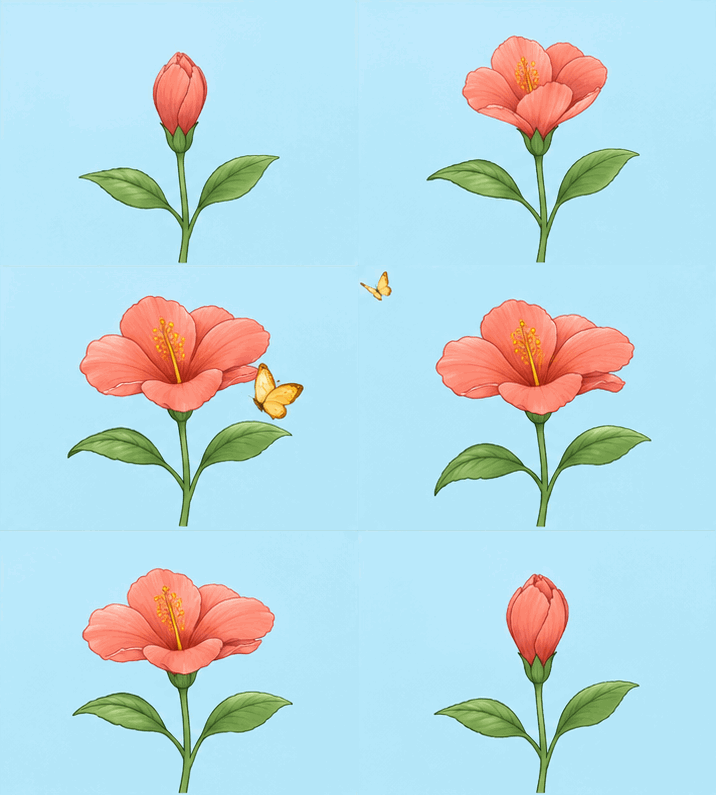
A flower opening as a butterfly passes

Educational GIFs

Illustrate one visual idea for a slide or lesson, such as a droplet falling or an object rotating. Keep the explanation narrow. Verify scientific accuracy and add precise labels separately rather than relying on generated text.

Prompt

A blue water droplet falls from a small cloud into a puddle, simple educational illustration, fixed camera, no text.

AI GIF Generator FAQ

Getting started

What is an AI GIF generator?

It creates an animated GIF from a description or reference image. AI gif hub accepts text or one photo and checks that the returned file contains multiple animation frames.

Can I create GIFs from both text and images?

Yes. Select Text to GIF to create a scene from a prompt, or Image to GIF to animate one uploaded image. Both modes offer the same style and aspect ratio choices.

Is this AI GIF generator free to use?

Sign up for 22 free credits to try one Text to GIF generation. Text to GIF costs 22 credits; Image to GIF costs 24, so the signup credits alone do not cover an Image to GIF generation. Check your balance in the editor before generating.

Do I need an account to generate a GIF?

Yes. You can write your prompt and select an image before signing in. After signing in, click Generate GIF to submit; login does not start it automatically.

Creating your GIF

How do I create a GIF from text?

Select Text to GIF, describe the subject and movement, then choose a style and aspect ratio. Review the credit cost, confirm permission and click Generate GIF. Sign in if prompted, then click Generate GIF again. Preview and download the finished animation.

How do I turn a picture into a GIF with AI?

Choose Image to GIF and upload one JPG, PNG, or WebP image up to 8 MB. Describe the movement and submit. Only use photos you have permission to process.

How long does generation take?

You can create a GIF in seconds. Timing varies with the model and queue. The History tab shows your task status; if it takes longer, return to the saved task instead of submitting it again.

Can I make a looping GIF with AI?

Yes, you can request a repeating action. Ask for a fixed camera and a final pose matching the first frame. Repeated playback does not mean the transition is seamless; inspect the join before using it.

Can I control the animation style and aspect ratio?

Yes. Style offers Auto, Pixel art, Anime, 3D, and Realistic. Aspect ratio offers Auto and common square, landscape, and portrait ratios. Clay or illustration looks can be requested in the prompt, but they are not separate style buttons. These instructions guide generation; they do not guarantee exact motion or preserve every detail.

Downloads & output

Will my GIF have a watermark?

We do not add a watermark. Inspect the downloaded result for any marks produced by the model.

What resolution can I generate?

Output size is set automatically; there is no resolution selector in the editor. The default request uses 1K and 16 frames. Check the downloaded GIF for its actual pixel dimensions.

How large are downloaded GIF files?

File size varies with dimensions, animation frames, colors and image detail. Use a GIF compressor after downloading if you need a smaller file.

Can I use GIFs on Discord, social media, or my website?

Check the destination’s file-size, dimension, and format limits first. This tool downloads GIF files; it does not publish to social platforms or export MP4.

Can I download my GIF as MP4?

No. The current download is an animated GIF. If your social platform requires video, convert the downloaded GIF to MP4 in a separate converter. Conversion changes the container format; it does not restore audio or add motion detail that was absent from the original GIF.

Privacy & usage

What happens to my uploaded images?

Submitting sends the image to the processing provider. Uploads and task records may be retained to deliver results, but they are not automatically published. Contact support for deletion.

Can I use generated GIFs commercially?

Use a result only when you hold the necessary rights and permissions and the provider’s terms allow the use. AI gif hub does not grant rights to other people’s likenesses, logos, brands, or copyrighted material. Inspect the output before publication; generated work may not be unique or eligible for copyright protection.

Are my generated GIFs publicly visible?

Your uploaded files and generated results are not automatically published to a public gallery. Account access checks protect task history and downloads. Files are still processed by our AI, hosting, and storage providers to deliver the service. See the Privacy Policy for retention and provider-processing details.

How can I delete my images or generation history?

Email support@aigifhub.com to request deletion of account data, uploaded images, or generated results. We may need to verify account ownership. No fixed automatic server-deletion period is promised. Browser drafts are separate from provider and server copies; clearing local site data does not delete those copies.

Ready to Create Your Own AI GIF?

Choose how you want to start your animation.